
All your excavation records in one place, and tools to make sense of them.
We set up your excavation in Notion: finds, stratigraphic units, photographs, storage boxes, the diary and reports, all linked to each other. We move in the records you already have, then build tools on top of them, such as a Harris Matrix and a 3D view of your site.
What we do for your excavation
We set up your workspace
A Notion workspace built around how your team already records: your terms, your sheets, your way of working.
We bring your records in
Paper sheets, spreadsheets, photographs and old databases, moved in and linked to each other. Anything unclear is flagged for you to decide.
We build the tools you need
Tools that read your records back, such as the Harris Matrix, the site in 3D, phases and material density, built for your site with your team.
Then we stay with your team until recording this way is faster than what you did before.
The workspace
Everything in one place, in Notion
Finds, stratigraphic units, photographs, storage boxes and reports are linked to each other, so from a find you can reach its unit, trench and box, and back again. Each person sees the records the way their work needs, totals update by themselves, and questions are settled in comments on the record. Because it is Notion, it is quick to learn, the records stay yours, and you can export all of them at any time.
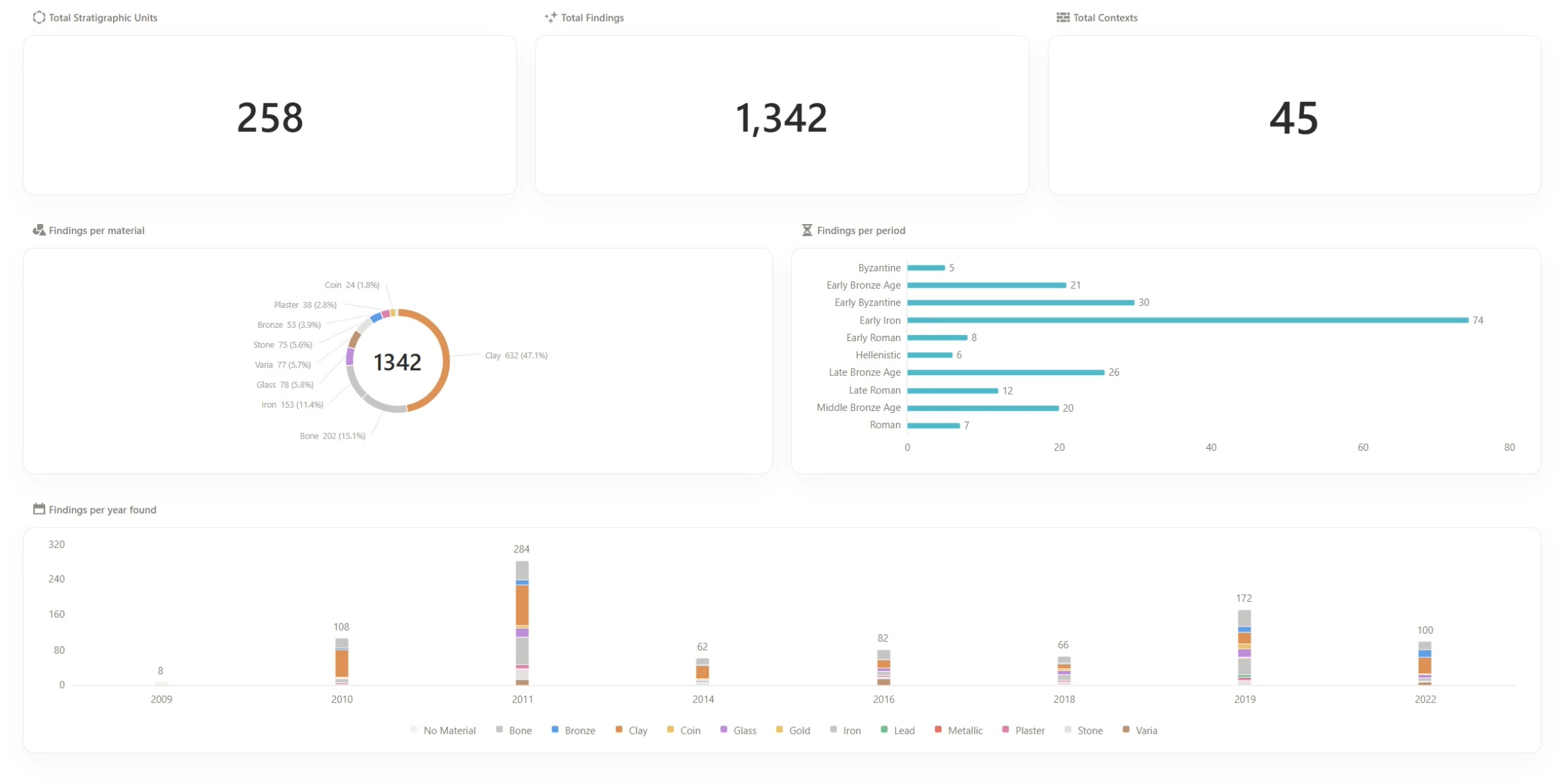
Totals drawn live from the records the team fills in
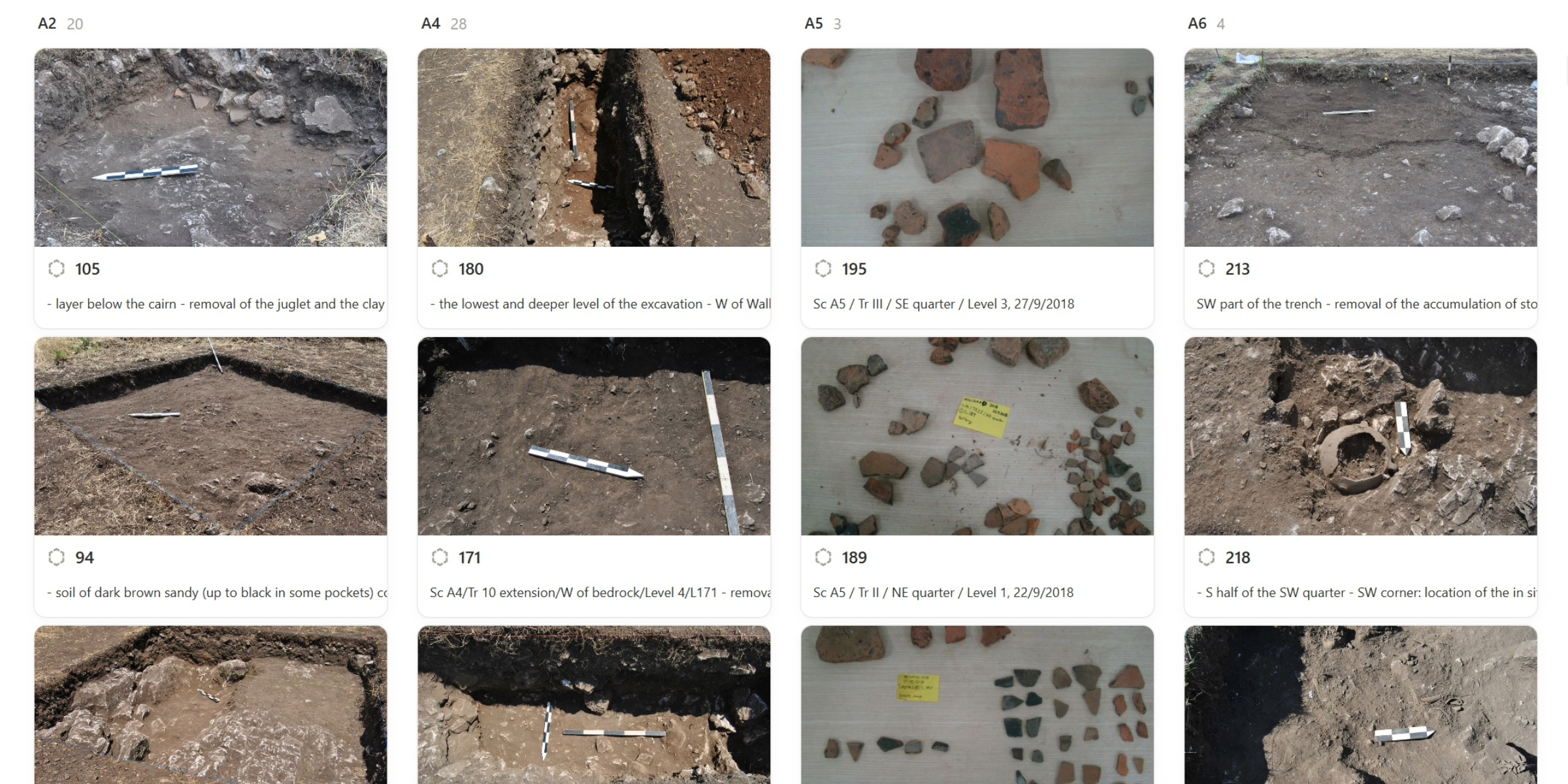
Stratigraphic units as the team recorded them, sector by sector
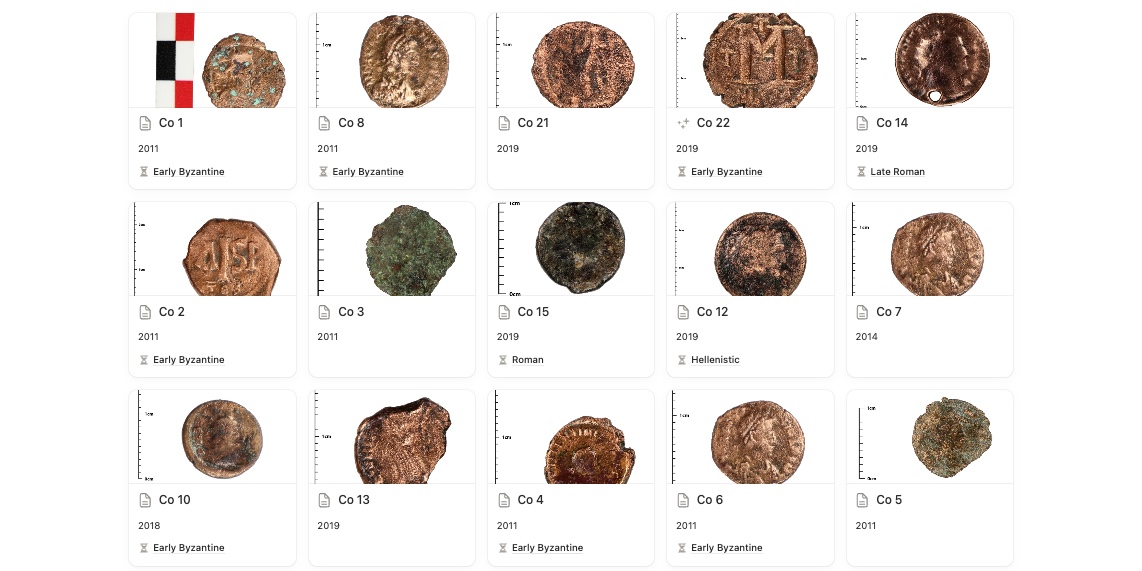
The same records, arranged for whoever is looking
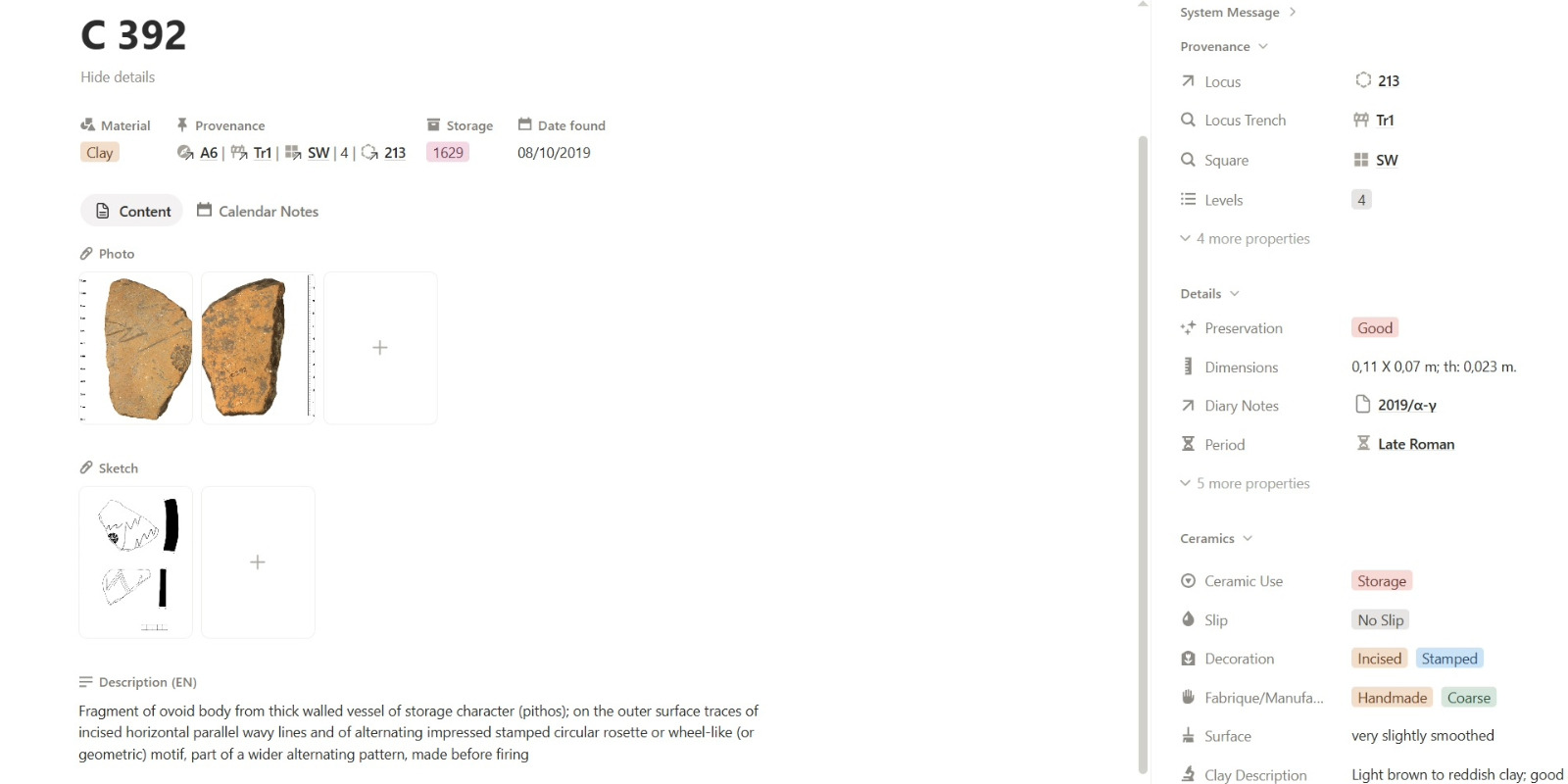
Everything about a find on one page, each field linked to its unit, trench and box
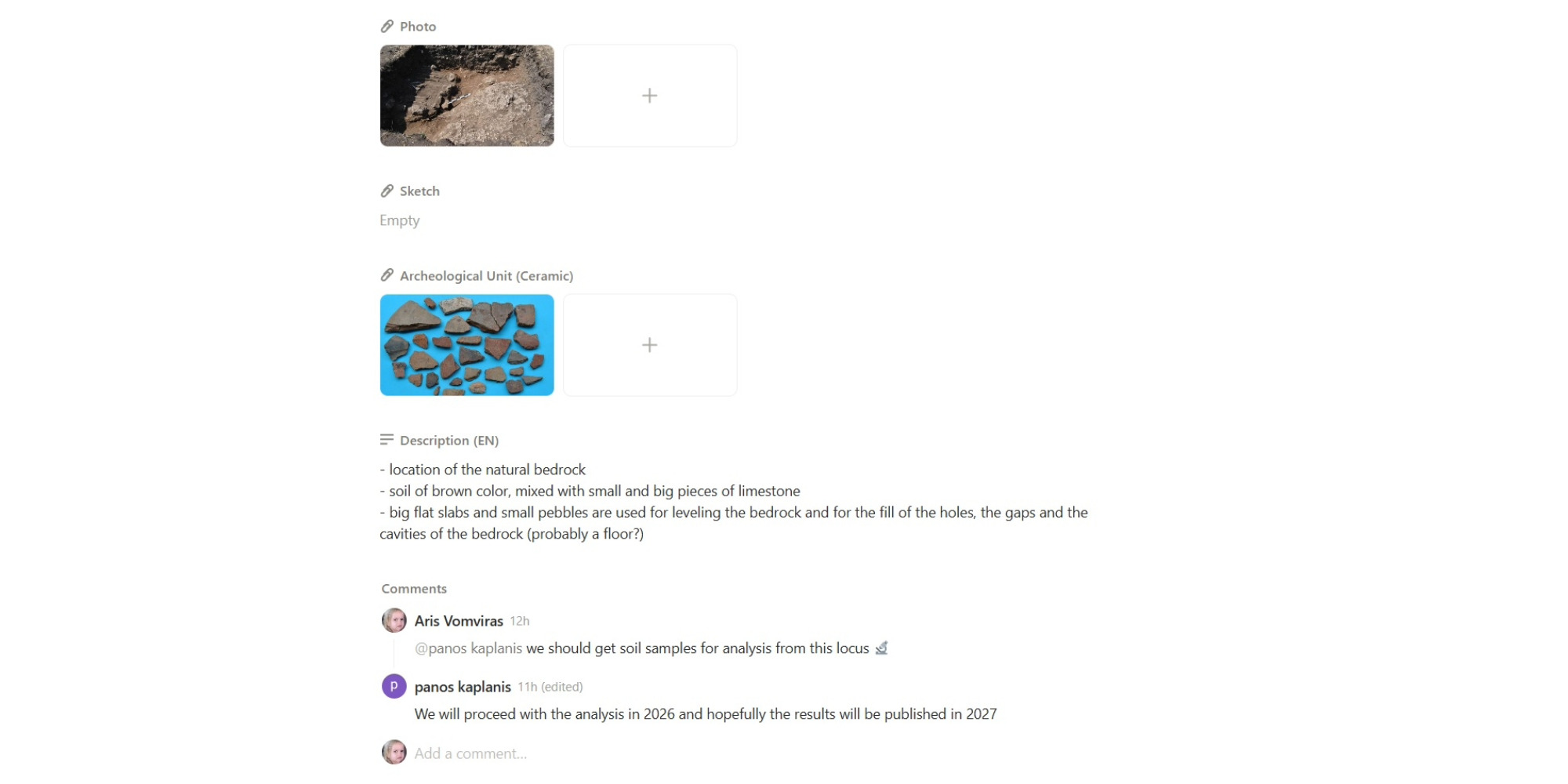
The team's questions and decisions stay on the record they are about
Migration
Bring the records you already have
Nobody starts from an empty workspace. We take your existing paper records, spreadsheets, survey files and photographs as they are, work out where each column and code belongs, and move them in. Anything that does not fit cleanly is flagged for you to decide, instead of being guessed.
Excavation diary
The excavation diary, transcribed
Scan a page of the handwritten excavation diary and it is transcribed into that day's entry in Notion, with every grave, stratigraphic unit, and find it mentions linked to its record. The original scan stays attached to the entry, so the handwriting it came from is always one click away.
Archaeology tools
Tools built for your site, reading straight from your records
Every find where it was found
Open a find in the scene and its photographs, measurements, and provenance come with it, read against the ground it came out of.
From stratigraphic units to phases and periods
Organise stratigraphic units into the phases and periods you use to interpret the site. The matrix and 3D scene update at whichever level you choose, so you can move from individual units to the broader sequence without losing their relationships.
Where material concentrates
See where finds concentrate across the site, and where they don't. A site-wide view of material density can reveal patterns that are difficult to see one trench or square at a time.
The Harris Matrix, generated and checked
Built from the stratigraphic relationships recorded in your context sheets rather than maintained by hand. As the matrix takes shape, contradictions in those relationships are flagged. Issues that can be difficult to see until the whole sequence is assembled.
See units and finds in their Munsell color
Hue, value, and chroma are recorded as real fields on stratigraphic units and finds, not buried in a description. The 3D scene uses those values to color each one, so changes in the deposit become visible in the ground itself.
Draw directly on a plan
Place and scale a photographic excavation plan in the 3D scene, then draw stratigraphic units directly onto it. The plan stays in place as a reference while you map the units in the scene.
Georeferenced LiDAR and orthophotos with total station support
Set points on the LiDAR scan or orthophoto and enter their total station coordinates to place the data correctly in the site coordinate system. With three or more points, you can also check the fit and see the error at each point.
A LiDAR timeline of the trench, scan by scan
Every LiDAR scan keeps its date, so the scans of a trench or sector play back in order on a timeline. Step through the season and see how the excavation progressed, layer by layer.
Read the depth of your trench with contour lines
Contour lines are drawn across the scanned surface at whatever interval you set, making changes in elevation and slope visible at a glance. Drone and camera models, orthophotos, and LiDAR all sit in the same space.
Planning the season
Plan the season in the same place
An optional template for everything around the dig: missions and their permits, the people and their roles, costs, travel and paperwork, all in the same workspace as the excavation records.
Getting started
We set it up, move your records in, and help your team get going
Changing how a team records is the hard part, not the software. We do the setup and the move, and stay with your team until recording this way is faster than what you did before.